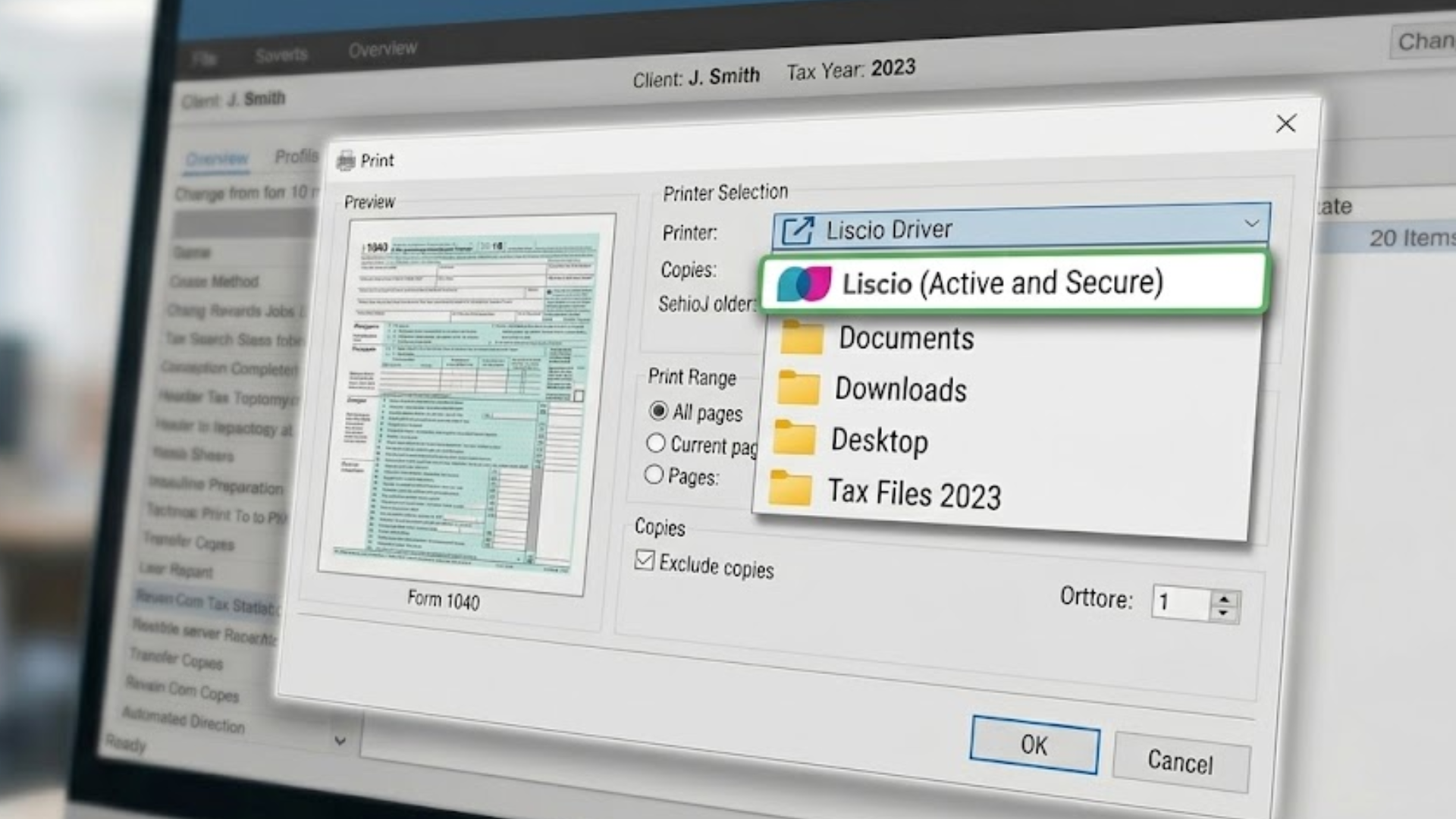
Every firm knows the small daily chore. You finish a return, and now you have to get it into your document system. Print it, save it somewhere, log into a portal, upload it, put it in the right place. One firm said it plainly: pull it out of Drake, go to the file-sharing site, throw it in the system. It is manual, it is repetitive, and it is easy to get wrong.
Liscio ends that chore. You print your return straight from your tax software, and it lands in Liscio on its own. No download and reupload. No separate trip to a portal. The file shows up where it belongs.
The Private Pipe You Have Been Paying For
Here is something the industry never says out loud. For years, your tax software would only print neatly into one place: the storage its maker wanted you to use. Drake printed into Drake’s storage. UltraTax printed into FileCabinet CS. CCH printed into Axcess Documents. SmartVault won firms by being the place Lacerte and ProSeries print into.
That was never a convenience. It was a fence. Each vendor built a private pipe from its software to its own storage, and then treated that pipe as the reason you could not leave. Switch systems and you lose the one-click print you rely on all season, so you stay. And because you stay, the price goes up. Renewal after renewal, the bill climbs, because the vendor knows the pipe is holding you in place.
This is how firms end up paying more every year for software that has not gotten meaningfully better. Not because the tools are worth more, but because leaving feels impossible. The private pipe became a tollway, and your firm has been paying the toll.
How Liscio Breaks the Cycle
Liscio does not build a private pipe to one tax vendor and charge you for the privilege. Liscio accepts a printed file from any source. If your software can print or save a file, it can reach Liscio, no special connector, no gated integration, no per-vendor deal.
Drake, Lacerte, ProSeries, ProConnect, UltraTax: they all print straight into Liscio the same way you already print to save a PDF. The integration list that vendors used to lock firms in simply stops mattering, because you no longer need a private connection to anyone.
That is the end of the tollway. When any platform can be a source, no vendor can hold your files hostage to keep raising your bill. You are not choosing Liscio because it built a better fence. You are choosing it because it tore the fence down.
How It Works
Once your firm connects Microsoft, Liscio watches a dedicated folder in your OneDrive. You print from your tax software to that folder, and the moment the file lands there, Liscio pulls it in automatically.
From there, File Intelligence takes over. The file is read, classified by form type, and named to your firm’s standard on arrival. For tax documents, Liscio uses the client ID to line the return up with the right client’s tax workflow, so the file is not just stored, it is put to work. You print once, and the rest happens without you.
What Arrives Is Not Just a File
The reason this belongs to Liscio and not to any storage folder is what happens after the file lands. A file printed into plain storage is a file in a folder: still to be named, still to be sorted, still to be found later by clicking.
A file printed into Liscio arrives read and named. File Intelligence identifies what it is, names it to your firm’s standard, and tags it by client, year, and form type. It reads and classifies more than 191 document types built specifically for accounting work, from individual and business returns to state returns, 1099s, K-1s, and IRS notices, and flags anything outside that list for review rather than guessing. That is the difference between a file that is filed and a file that is findable. Printing straight to Liscio is the easy part. Arriving intelligent is the point.
Getting Started
Printing straight to Liscio is available to firms on Liscio with Microsoft connected. Connect once, set your print destination, and your returns start flowing in. If your firm is leaving a system that held you in place with a private pipe, this is how the daily workflow you rely on comes with you, without the toll.
See how Liscio works: Book a demo