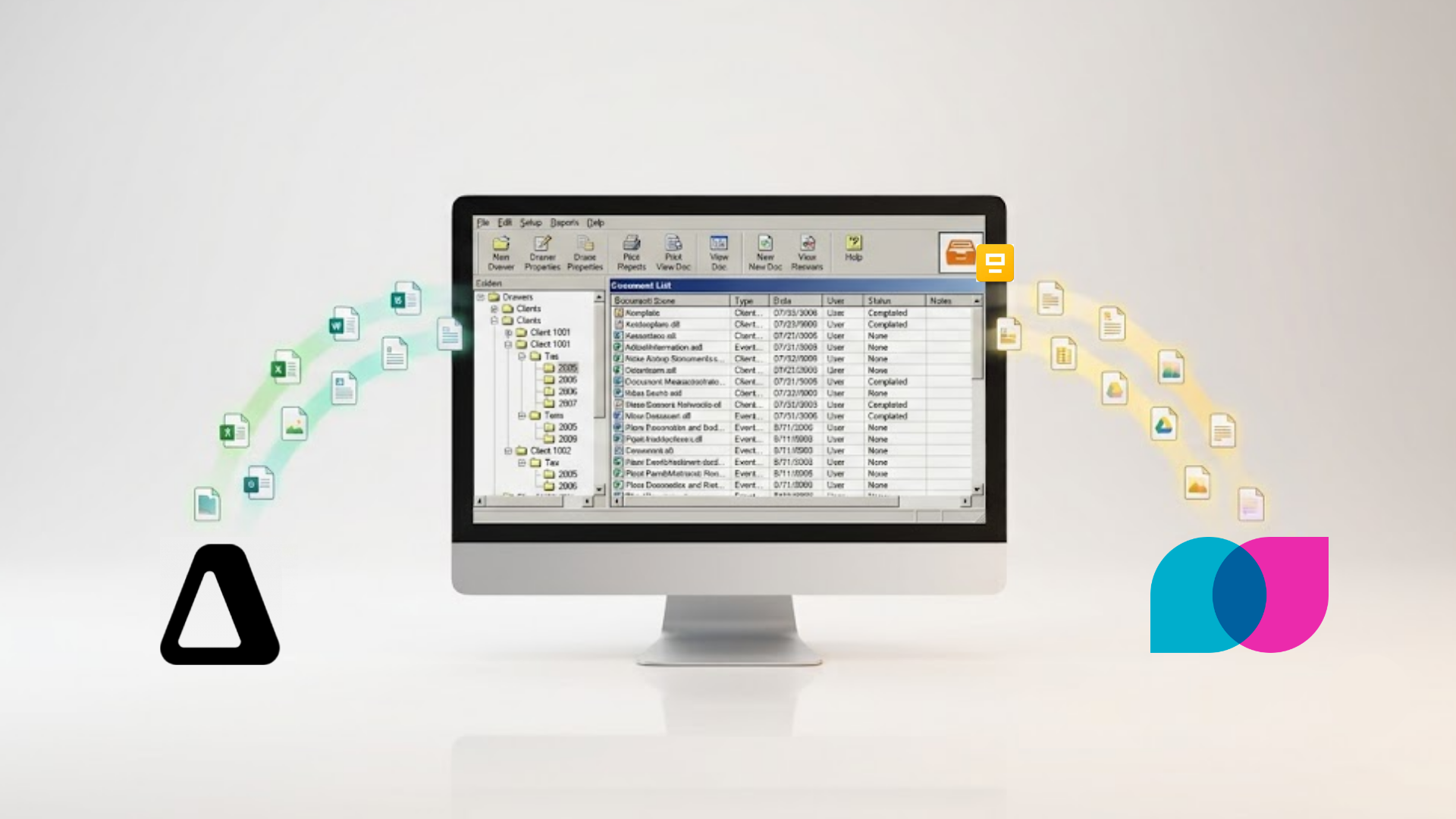
FileCabinet CS reaches end-of-life on December 31, 2027, and Canopy comes up often for firms that want more than storage out of the move. Like TaxDome, Canopy is a practice management platform, and its migration help is tied to adopting it. Liscio approaches the same problem from the opposite direction: get the files out cleanly and searchably first, and keep the platform decision open.
Here is how the two compare when a decade of FileCabinet CS documents needs a home.
The core difference: adopt a platform vs. keep your options open
Canopy is a modular practice management platform covering client management, document management, workflow, time and billing, and a client portal. Firms choosing Canopy as their FileCabinet CS replacement get implementation support as part of Canopy’s onboarding, which means the migration assistance is tied to Canopy adoption. You are buying the platform, and the file move comes with it.
Liscio’s migration service is built to be independent of that decision. Liscio will extract your FileCabinet CS archive and land it in the destination your firm chooses, including Google Drive, Box, Dropbox, SharePoint, OneDrive, a Windows network drive, FileCenter, or Liscio, with no subscription required to complete the migration. If you later decide Canopy is your practice management system, you can use Liscio to handle the FileCabinet CS extraction and then complete setup within Canopy’s onboarding. The two are not mutually exclusive: Liscio can be the specialist that gets your files out, and Canopy can be where your firm runs day to day.
How each handles the files
FileCabinet CS stores documents as indexed page objects in a legacy OLE Structured Storage format, not as standard files in folders. A multi-page return has to be reconstituted into a PDF through the export function, one document at a time, and the folder structure visible in FileCabinet CS does not carry across the export. That is the real work of any FileCabinet CS migration, and it happens before files reach Canopy, Liscio, or anywhere else. (The FileCabinet CS export guide covers the format in detail.)
Canopy provides implementation support to bring your files into its document management module as part of standing up the platform. The files land inside Canopy, organized for Canopy’s tools.
Liscio’s File Intelligence reads each document during migration and classifies, tags, and renames it to your firm’s standard, so the archive is searchable by issuer, year, entity, and form type the moment it lands. The distinction is whether your ten years of history arrive as a navigable folder tree or as a searchable, tagged corpus that AI tools and search can read across.
Migration model, side by side
| Canopy | Liscio | |
|---|---|---|
| Destination | Canopy platform | Your choice: Google Drive, Box, Dropbox, SharePoint, OneDrive, network drive, FileCenter, or Liscio |
| Subscription required to migrate | Yes (migration is part of onboarding) | No |
| What you adopt | Modular practice management suite | Document layer, or none |
| File handling on arrival | Imported into Canopy’s document module | Classified, tagged, and renamed by File Intelligence |
| Can be combined | Use Liscio to extract, then set up in Canopy | Extraction specialist for any destination |
| Best fit | Firms standardizing on Canopy for practice management | Firms that need files out first or want no lock-in |
When Canopy is the right call
If your firm is choosing Canopy to run practice management, client work, and billing, then bringing your documents into Canopy during onboarding keeps everything in one system, and the bundled implementation support is a real convenience. Firms that want their document archive living inside the same platform their staff already use all day get a genuine workflow benefit from that.
The consideration is the same as with any all-in-one: the migration is coupled to the platform commitment, so you are deciding where your firm runs and where your files live in a single step. If you are confident in Canopy, that coupling is fine. If you are not, it front-loads a decision you may not be ready to make before the deadline.
When Liscio is the right call
If you want your files off FileCabinet CS before you have finalized your platform, or you would rather land them in cloud storage you already pay for such as Google Drive, Box, Dropbox, or Microsoft 365, or keep them in-house on your own Windows network drive, Liscio’s separation of migration from platform is the lower-risk sequence. You get the archive out, classified and searchable, on the deadline’s clock, and you preserve every downstream option, including choosing Canopy later with your files already extracted and ready to import.
That combination is worth underlining: choosing Liscio for the migration does not rule out Canopy as your platform. It rules out being forced to pick your platform before your files are safe.
The decision in one line
Choose Canopy when you are standardizing your whole practice on it and want documents to live inside that platform. Choose Liscio when getting your files out cleanly, classified, and lock-in-free comes first, even if Canopy ends up being where your firm runs.
Ready to move your files out of FileCabinet CS?
Liscio migrates your archive out of FileCabinet CS and lands it classified and ready to search, at the destination your firm chooses.
See how Liscio’s FileCabinet CS file transfer service works →
Related: FileCabinet CS Is End-of-Life: Your Migration Guide · Liscio vs TaxDome: Two Different Tools for Two Different Decisions